System concept
William
I create the system concept and make sure every required component is specified correctly.
The client’s Configuration Tool, rebuilt as a guided engineering workflow. Engineers configure a full Cartesian handling system — CAD model, commissioning file, and net price — in about 20 minutes.
The tool configures complete Cartesian handling systems — single-axis, 2D gantry, planar, and 3D gantry. The flow is built around three steps, and it can produce a configuration, CAD model, commissioning file, and net price in about 20 minutes.
Describe the task — working space, payload, environment.
The tool returns suitable systems to compare and refine.
Configure the chosen solution — then order it, CAD and price included.
It was a critical engineering tool, but the experience was dense, dated, and hard to navigate. People worked through a complex configurator with little feedback and a layout that never made the process feel approachable.
At the same time, the tool had to fit inside a larger System Configuration environment — which raised the bar for consistency, structure, and scale.
I studied industrial configurators to see how they guide users through technical decisions.
Emerson stood out: a simplified flow and a visual motion representation let users make precise choices with less effort. That shaped the tool’s direction — more guidance, a clearer flow, better decision support for technical users.
The tool serves different responsibilities along the configuration journey. The redesign had to support both without making the tool more complex.
I create the system concept and make sure every required component is specified correctly.
I work out the detail and build the full product list, ready for purchase.
A clean, responsive interface that makes a complex tool feel approachable.
Better filtering, and a results view people can compare and refine in place.
Structure the tool so it fits the larger configuration environment it has to live in.
The hard part wasn’t only redesigning the tool. It had to work inside the broader System Configuration environment too. So I gave it a structure that works both ways.
Motion-cycle visualization was out of scope for the MVP — but I designed the foundation so it could be introduced later.
A complex engineering tool, made to look and feel simple — a clean, minimal interface over a guided, scalable workflow, with less clutter, better exploration, and a foundation for the client’s larger configuration ecosystem.
Calculations can take time. Instead of a blank wait, the loading screen explains what’s happening in the background — so the pause reads as progress, not a stall.
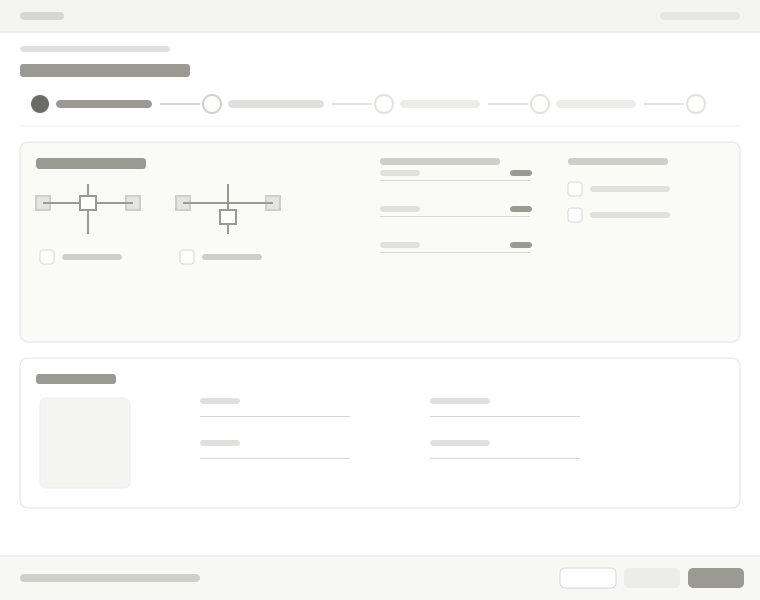
Visualization matters in system design, so I explored motion-cycle customization and a default-path view. It wasn’t part of the MVP — but it set a strong direction for a future enhancement of the tool.
Additional screens and project materials are available during interviews.