Mechanical design engineer
Sam
I review past purchases when I’m planning the next production line. Show me what I bought and which configuration it was.
The client’s Order History rebuilt as one workspace for tracking, reordering, and after-sales — on top of the existing corporate design system.
Three disconnected journeys — viewing, tracking, and after-sales — each behind its own page and its own search.
Filter-first. Static rows. No shipment status, no item-level expansion.
Orders visible on load. Status per row. Advanced search and item detail in place.
I started with customer feedback, competitive analysis, and workflow mapping to understand what users needed most and where the experience broke down.
The research confirmed what users wanted: faster search, better order visibility, and easier access to frequent tasks — without switching pages.
Quotes are drawn from customer interviews, aggregated Useberry testing responses, and user-intake notes.
I review past purchases when I’m planning the next production line. Show me what I bought and which configuration it was.
I need order data for warranty claims, technical requests, and documentation. Don’t make me hunt across pages for it.
I reorder the same items every week. Get me from the order list to the cart in two clicks, not seven.
Predefined and custom date ranges, multi-field search, filter by shipping status.
Order-level overview and item-level detail surfaced in the same view, not behind two clicks.
Warranty, technical, repair, and help actions reachable from the order itself.
Early explorations probed what should stay and what needed re-thinking. The strongest signals carried into the final design: product images on the row, a list-based layout, an inline order details preview, and a clear information tile for help, returns, and FAQs.
The client’s corporate design guidelines define the tokens, type, and component vocabulary across the platform. The redesign respected those rules — and extended them where the existing library couldn’t carry the work.
New components were designed where the existing library fell short — the date & time picker, the order accordion, the single access point — each specced for engineering handoff.
Density and labelling both surfaced — but users especially valued having shipment summaries visible directly in the order list.
“A clear view of the order — finally, in one place.”
“I was trying to figure out what the sub entries were about — titles like Shipment 1 / Shipment 2 would clarify.”
“Once I understood the structure, the list felt intuitive.”
After testing, we tightened the visual structure of split shipments — so it's clear at first glance which item belongs to which shipment.
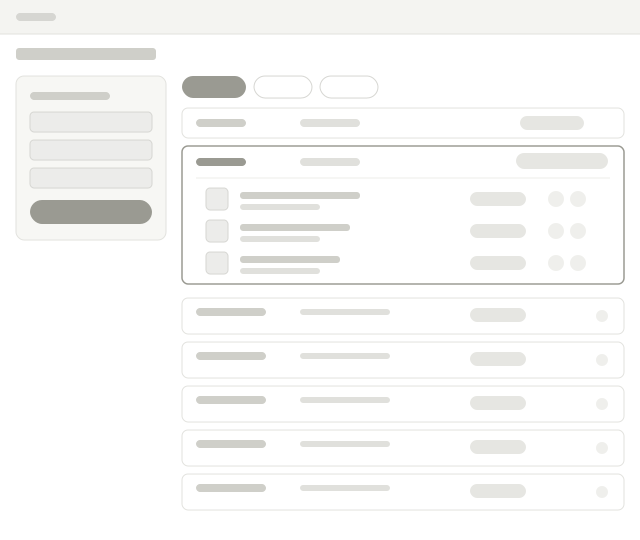
Order History was the proving ground. The accordion list, advanced search, and inline-action pattern carried into other My Account pages — and the same structural choices opened room for after-sales features that didn’t exist yet.
Same accordion list, advanced search, and inline actions extended into Quantity Contracts and the Contracts order page — one mental model across the customer area.
The redesigned structure leaves space for warranty, technical, repair, and help content — without a re-architecture.
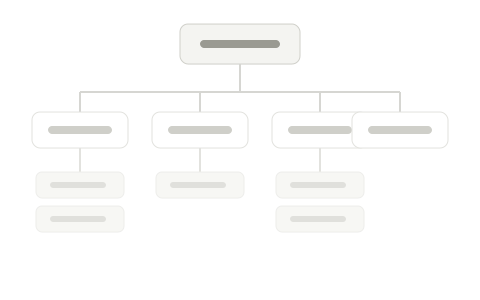
Submit a claim from the order row itself — no separate form, no separate page.
Pre-filled context from the order. Less typing for the customer, fewer follow-ups.
FAQs and how-tos surfaced where the question gets asked.
Additional screens and project materials are available during interviews.