Procurement buyer
Thomas
Give me one cart with everything in it. Add the software next to the hardware, change quantities, check out. No hunting around.
The client’s software portfolio, brought into the hardware purchase flow. A guided wizard helps engineers find the right licenses. No hard sell.
Engineers and buyers knew how to pick hardware. Now they needed software too — apps, diagnostics, training licenses — but the client sold it on a separate partner store, never beside the hardware it belonged to.
I studied comparable e-commerce flows and talked to stakeholders. No competitor had a real integrated upsell. Most pushed customers into a separate login or a sales call.
Benchmarking configurators showed the pattern: a good in-context upsell lifts attach rates. The difference came down to placement — software shown where the decision happens.
Interviews split cleanly. One wants speed, the other wants proof. The structure had to serve both. Quotes are aggregated from crowd-testing responses, customer interviews, and user-intake notes.
Give me one cart with everything in it. Add the software next to the hardware, change quantities, check out. No hunting around.
Before I commit, I need the specs and licensing side by side. Show me the data sheet, let me compare versions. Then I’ll trust it.
Surface related software while people look at the hardware. In context, not on a separate page.
Show each option with clear specs and licensing, so people compare and decide for themselves.
Recommendations inform, never push. Zero forced modals. Software shows only when someone opens the section.
Once the hardware is chosen, the wizard surfaces the software that hardware needs to run. It opens only on request — nothing auto-adds, nothing pops up uninvited. The three layouts differed in where it lived.
9 users · 4 use cases · 3 prototypes
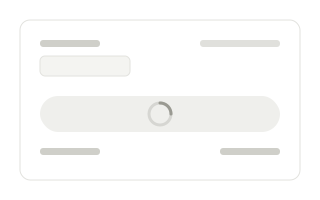
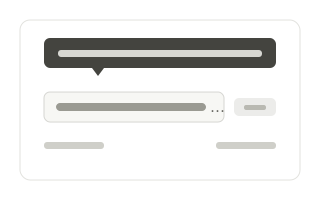
Two fixes came straight from testing: a loading screen for long calculations, and clearer labels so each item’s function and license term read at a glance.
“Once the software sat next to the hardware, the flow felt obvious.”
Tester 03 · automation engineer
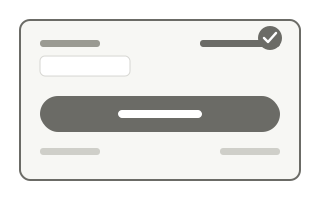
Built on the client’s corporate design tokens, extended where the library fell short. The software tile shipped in every state — each one annotated with behaviour notes for handoff.


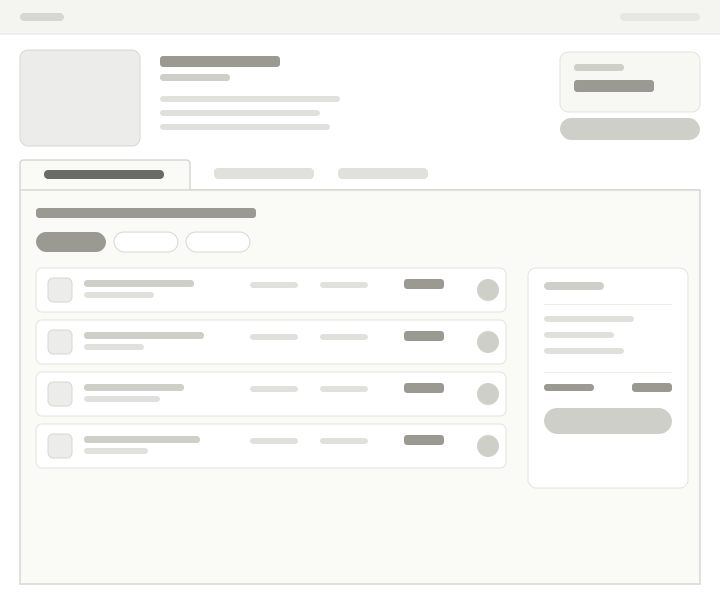
The wizard wasn’t a one-off — it’s a structure the catalog can reuse. The same model already adapts from desktop to tablet and mobile, and it leaves room to grow past launch.
Manage upgrades, renewals, and trials from the place the licenses were bought.
Preset hardware-plus-software kits, ready to add to an order in one step.
Consolidate multiple licenses and surface partner and contract pricing.
Additional screens and project materials are available during interviews.